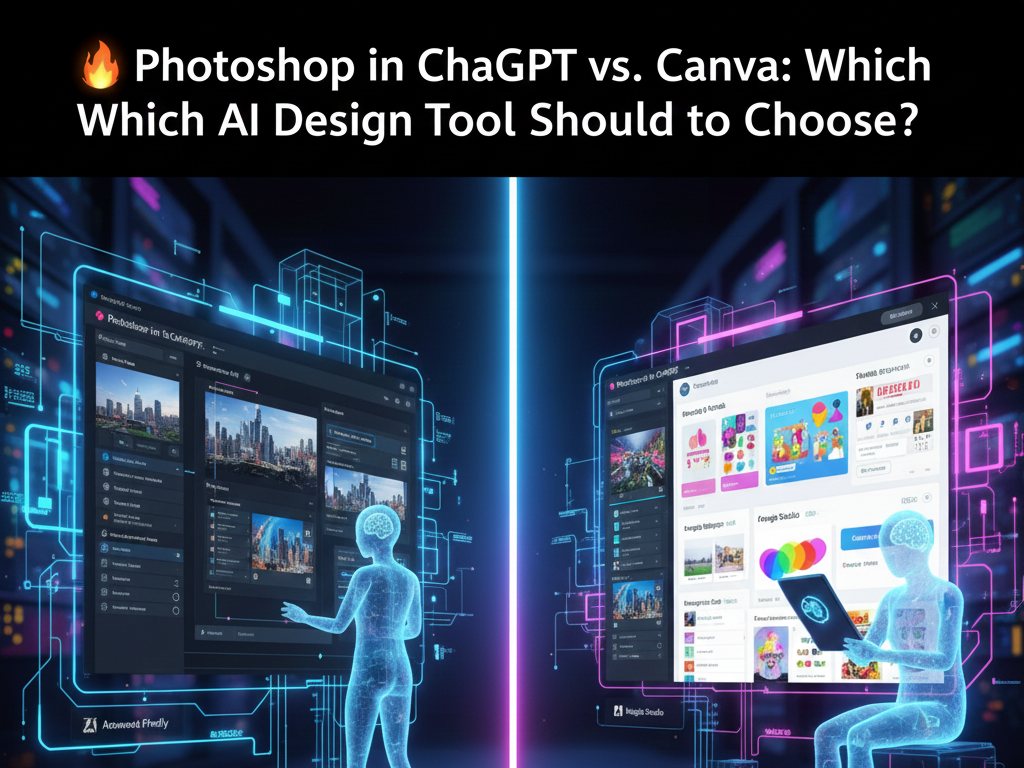

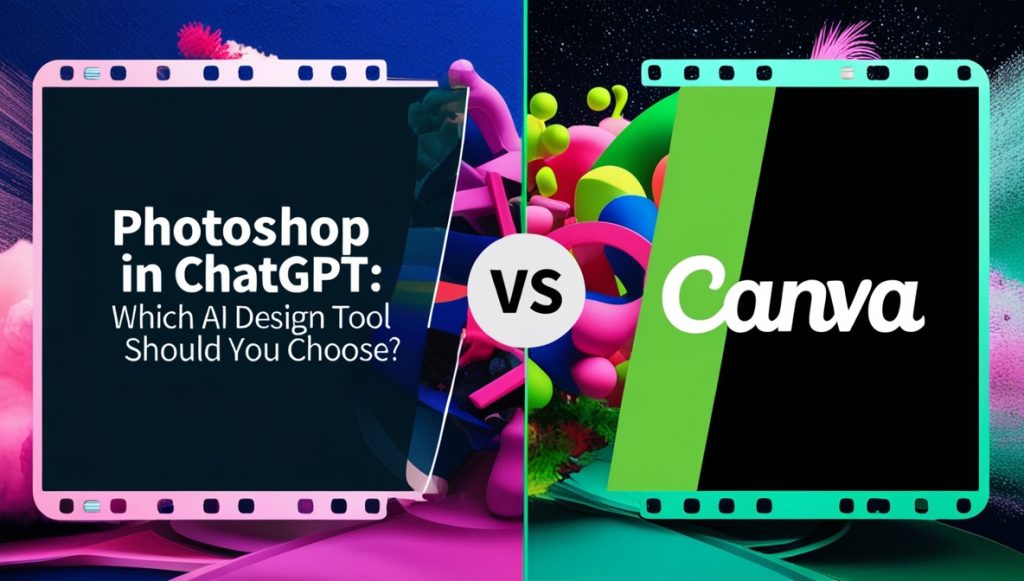
For years, Canva has been the go-to design tool for non-designers. Its drag-and-drop interface, ready-made templates, and ease of use made graphic design accessible to millions of creators, marketers, and small businesses.
Now, a new player changes the rules.
With Photoshop integrated directly into ChatGPT, image editing is no longer about clicking tools or choosing templates—it’s about describing what you want in natural language.
This raises a crucial question for creators in 2025 and beyond:
👉 Should you use Canva, or is Photoshop inside ChatGPT the better AI design tool?
In this in-depth comparison, we’ll break down:
- how each tool works,
- their strengths and weaknesses,
- which one fits your workflow,
- and how to choose the right tool based on your goals.
1. Core Philosophy: Templates vs Intent-Based Design
Canva: Template-First Design
Canva is built around predefined templates.
You start with a layout and adapt it:
- text,
- colors,
- images,
- icons.
This approach is ideal when:
- you need something fast,
- you don’t want to think too much,
- consistency matters more than originality.
However, templates can also become a limitation:
- many designs look similar,
- originality is harder to achieve,
- visuals can feel “generic.”
Photoshop in ChatGPT: Intent-First Design
Photoshop inside ChatGPT works differently.
You don’t start with a template.
You start with an intention.
Examples:
- “Make this image look professional and modern.”
- “Remove the background and optimize it for a blog header.”
- “Create a cinematic, futuristic mood.”
The AI interprets your request and applies Photoshop’s editing power automatically.
👉 This is not template-based design.
👉 This is intent-based creation.
2. Ease of Use: Which Tool Is Easier for Beginners?
Canva’s Learning Curve
Canva is extremely beginner-friendly:
- visual interface,
- drag-and-drop,
- clear menus.
Most users can create decent visuals within minutes.
However, you still need to:
- understand layouts,
- manage spacing,
- choose colors wisely.
Bad design choices are still possible.
ChatGPT + Photoshop Learning Curve
Photoshop traditionally had a steep learning curve—but ChatGPT changes that completely.
You don’t need to learn:
- layers,
- masks,
- blending modes.
You only need to learn how to describe what you want.
Once users understand how to write clear prompts, the tool becomes:
- faster than Canva,
- more flexible,
- more powerful for image editing.
3. Image Quality and Professional Output
Canva Image Quality
Canva is excellent for:
- social media posts,
- presentations,
- basic marketing visuals.
But when it comes to:
- realistic image edits,
- lighting correction,
- background precision,
Canva has limitations.
Its strength is layout—not advanced image processing.
Photoshop in ChatGPT Image Quality
Photoshop remains the industry standard for image quality.
Inside ChatGPT, it excels at:
- background removal,
- realistic lighting adjustments,
- color correction,
- image enhancement.
For creators who care about:
- realism,
- professionalism,
- visual authority,
Photoshop inside ChatGPT delivers a higher-quality result.
4. Speed and Workflow Efficiency
Canva Workflow
Canva is fast when:
- using templates,
- repeating similar designs,
- creating bulk social content.
However, complex edits still require:
- multiple manual steps,
- trial and error,
- visual adjustments.
ChatGPT Workflow
With ChatGPT:
- you describe,
- the AI edits,
- you refine via conversation.
Iterations are extremely fast:
- “Make it brighter.”
- “Reduce saturation.”
- “Add a softer tone.”
This conversational workflow is ideal for:
- rapid experimentation,
- content production at scale,
- creators who value speed.
5. SEO and Content Marketing Use Cases
Canva for SEO
Canva can support SEO indirectly by:
- creating blog headers,
- designing infographics.
However:
- many visuals are template-based,
- images may lack originality,
- harder to align visuals precisely with content intent.
Photoshop in ChatGPT for SEO
Photoshop inside ChatGPT is better suited for SEO-focused creators.
Advantages:
- unique images for every article,
- visuals aligned exactly with article topics,
- faster optimization for size and performance.
Custom visuals improve:
- user engagement,
- time on page,
- perceived authority.
For content clusters and pillar strategies, this is a major advantage.
6. AI Capabilities: Who Uses AI Better?
Canva AI
Canva includes AI features such as:
- background removal,
- magic resize,
- text-to-image tools.
These are helpful but often limited to specific actions.
ChatGPT + Photoshop AI
ChatGPT acts as a creative director:
- understands context,
- adapts style,
- remembers previous instructions.
Instead of clicking features, you guide the AI through conversation.
This makes Photoshop inside ChatGPT more flexible and future-proof.
7. Pricing and Accessibility
Canva Pricing
- Free version available
- Pro plan unlocks premium templates and assets
- Affordable for most creators
Photoshop in ChatGPT Pricing
- Depends on ChatGPT plan and Adobe access
- More powerful, but potentially higher cost
- Better suited for creators who need quality over templates
8. Which Tool Should You Choose?
Choose Canva if:
- you rely heavily on templates,
- you create layouts (presentations, flyers),
- you want quick social media graphics,
- you prefer visual editing over text instructions.
Choose Photoshop in ChatGPT if:
- you want high-quality image editing,
- SEO and originality matter,
- you create blog content or long-form assets,
- you prefer describing ideas instead of manipulating tools.
Many creators will use both tools together, depending on the task.
9. The Future of AI Design Tools
This comparison highlights a deeper trend:
- Canva represents template-driven creation.
- Photoshop in ChatGPT represents conversational, AI-first creation.
As AI improves, intent-based tools will become increasingly dominant—especially for creators focused on authority, branding, and originality.
Conclusion
Canva remains an excellent tool for fast, template-based design.
However, Photoshop integrated into ChatGPT introduces a new paradigm:
- no complex interfaces,
- no rigid templates,
- just ideas turned into visuals.
For creators, marketers, and bloggers building long-term authority—especially in AI and content-driven niches—Photoshop in ChatGPT is the more powerful and future-proof choice.
This article fits naturally within the Photoshop + ChatGPT content cluster and reinforces AIwiner’s position as an authority on AI-powered creative tools.