Introduction: The End of “Hallucinations” in Research
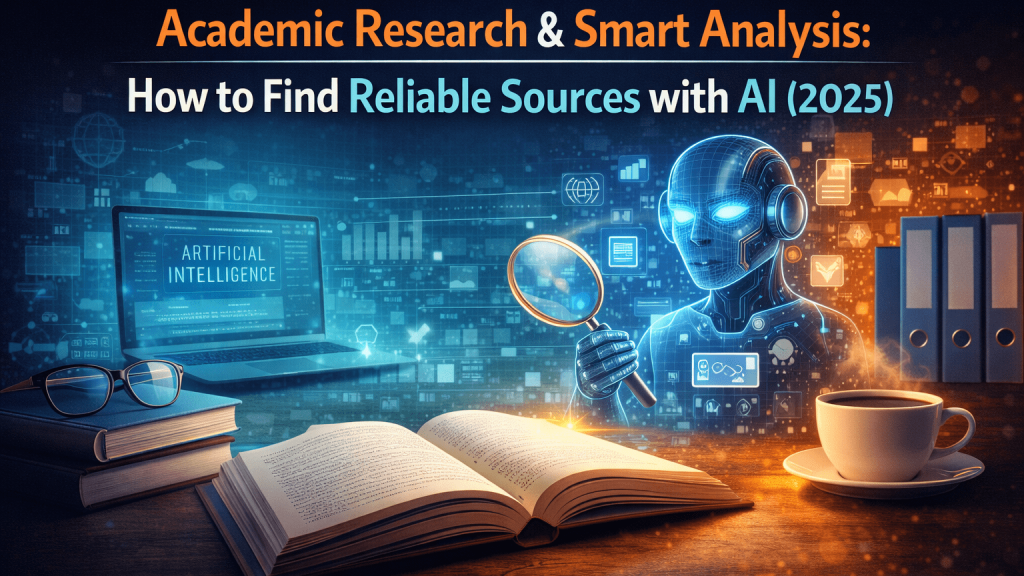
How to find reliable sources with is one of the most important topics in AI and automation in 2026. For a long time, there was a major red flag when using Artificial Intelligence for serious work: Accuracy. Early language models like GPT-3 were notorious for “hallucinating”—confidently inventing facts, fake historical dates, or even non-existent court cases. For a creative writer, this might be “imagination,” but for a university student, a journalist, or a financial analyst, it is a disaster.
In 2025, the landscape has shifted. A new breed of “Answer Engines” and “Research Assistants” has emerged. These tools are not built to be creative storytellers; they are built to be rigorous fact-checkers. They don’t just guess; they read. They don’t just chat; they cite.
This guide will introduce you to the tools that have replaced traditional Google searches for serious inquiry. We will explore how to find peer-reviewed papers in seconds, how to “chat” with complex PDF documents to extract data instantly, and how to get answers that are 100% grounded in reality.
1. Perplexity AI (The Future of Search)
If Google and ChatGPT had a brilliant child, it would be Perplexity AI. It is widely considered the best “Answer Engine” on the planet right now. Unlike a standard chatbot that relies on pre-training data (which can be outdated), Perplexity has live access to the web.
How It Works:
When you ask Perplexity a question, it doesn’t just look into its memory. It performs the following steps in real-time:
- Understand: It parses your complex query.
- Search: It runs multiple searches across the web to find relevant pages.
- Read: It scans the content of those pages.
- Synthesize: It writes a concise answer summarizing the findings.
- Cite: It adds footnote numbers [1][2] linking directly to the sources it used.
Key Features:
- Copilot (Pro/Limited Free): An interactive agent that asks you clarifying questions to narrow down exactly what you are looking for before searching.
- Focus Modes: You can restrict Perplexity’s search to specific datasets. You can set it to search only “Academic Papers,” “YouTube,” “Wolfram Alpha” (for math), or “Reddit” (for human discussions).
- Library: It saves your search threads as “Collections,” allowing you to build a personal knowledge base over time.
Best For:
- Fact-checking news and current events.
- Getting a quick overview of a complex topic with immediate source verification.
- Finding specific statistics and data points for reports.
2. SciSpace (Formerly Typeset.io)
Research papers are often dense, written in complex academic jargon, and difficult to parse quickly. SciSpace is an AI-powered platform designed specifically to demystify scientific literature.
The “Chat with PDF” Revolution:
The core feature of SciSpace is its ability to let you upload a PDF (or browse their database of millions of papers) and have a conversation with it.
- Explain Math & Tables: You can highlight a confusing equation or a complex data table in a paper, and SciSpace will explain exactly what it means in simple English.
- Literature Review: You can ask questions like, “What are the common limitations mentioned in these 5 papers?” and it will synthesize a comparative answer.
Copilot Chrome Extension:
SciSpace offers a browser extension that works on any webpage. If you are reading a difficult article on Nature.com or arXiv, you can pop open the sidebar and ask for a summary or an explanation of technical terms without leaving the page.
Best For:
- University students writing thesis papers or dissertations.
- Researchers conducting rapid literature reviews.
- Anyone trying to understand complex technical documentation.
3. Elicit (The AI Research Assistant)
Elicit is purely focused on the scientific method. It uses Large Language Models to automate research workflows, specifically finding papers that answer a research question.
How It Differs:
When you search Google Scholar, you search by keywords. When you search Elicit, you search by research questions.
- Example: If you ask, “Does creatine improve cognitive function in sleep-deprived adults?”, Elicit will find relevant papers and display a table summarizing the specific findings of each paper regarding that question, even if the keywords don’t match exactly.
The “Matrix” View:
Elicit presents results in a customizable spreadsheet. You can add columns like “Number of Participants,” “Dosage Used,” “Methodology,” or “Main Conclusion.” The AI scans every paper and extracts that specific data into the row, allowing you to compare 10 papers at a glance without opening them.
Best For:
- Deep-dive systematic reviews.
- Finding evidence to support or refute a specific hypothesis.
- Medical and scientific researchers looking for rigorous data.
Practical Workflow: The “Truth Sandwich”
To ensure 100% accuracy in your work, use this “Truth Sandwich” workflow:
- Exploration (Perplexity): Start by asking Perplexity a broad question to get the general context and identify key terms or major studies.
- Prompt: “What is the current consensus on Intermittent Fasting for insulin resistance? Cite recent meta-analyses.”
- Deep Dive (Elicit): Take the key terms found and plug them into Elicit to find the actual primary source papers. Use the table view to filter for high-quality studies (e.g., large sample sizes).
- Analysis (SciSpace): Download the 2-3 most relevant PDFs found by Elicit. Upload them to SciSpace to read them faster. Ask specific questions: “What were the exclusion criteria for participants in this study?” to check for bias.
- Synthesis (Writer): Take your verified notes and use a writing tool (like Claude 3 from S1.1) to draft your final report.
Conclusion: Trust, but Verify
AI tools in 2025 are incredible at retrieval, but they are not infallible. The advantage of the tools listed above (Perplexity, SciSpace, Elicit) is transparency. They show you where they got the information.
Your job as a human researcher has changed. You are no longer the “hunter” spending hours looking for information; you are now the “auditor,” verifying the high-quality information the AI delivers to you. This shift allows you to focus on critical thinking and synthesis rather than raw data gathering.
Continue Learning (Internal Linking)
Now that you have gathered accurate information, you might need to present it or turn it into multimedia content. Proceed to the next article to learn about voice generation tools.