
Creating a stunning visual with GPT-Image 1.5 is a creative win. But for a blogger or store owner, an image that doesn’t rank on Google Images is a wasted opportunity. The problem? AI typically generates raw files with zero technical optimization.
In this guide, we’ll explore how to use n8n to build an “SEO Pipeline” that processes your images from A to Z, ensuring they work for your rankings, not against them.
1. Dynamic Renaming: Goodbye “Untitled_1.png”
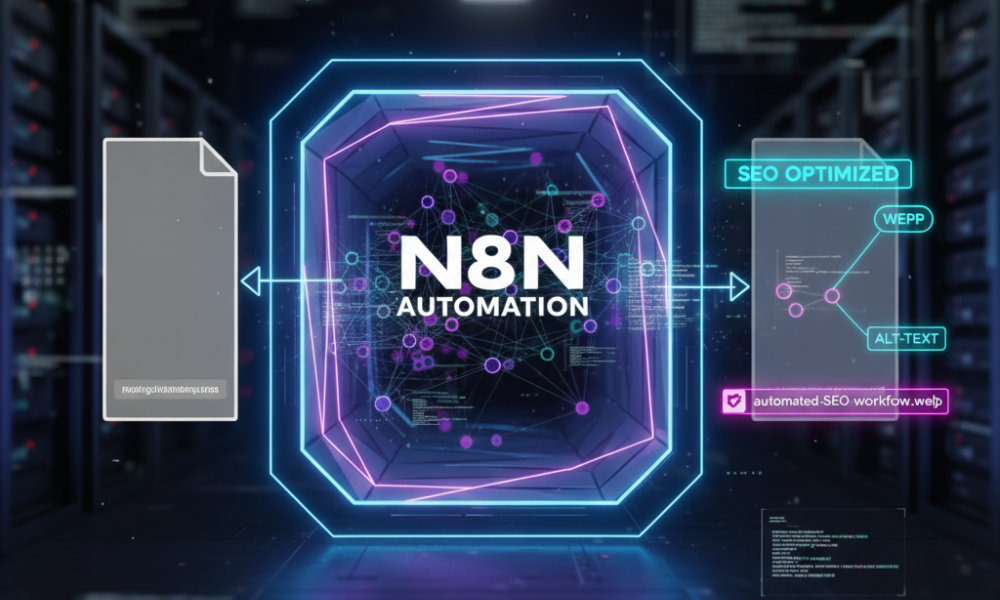
Google uses filenames to understand an image’s context. A file named ai-automation-n8n-workflow.webp will always outrank a generic one.
- The n8n Workflow: We use a “Code Node” to fetch your article’s H1 title, convert it into a “slug” (lowercase, no accents, hyphens only), and rename the image before it ever hits your server.
2. Computer Vision for Perfect Alt-Text
Alt-Text is the pillar of accessibility and SEO. Instead of filling it in manually, n8n connects your flow to a vision model (like GPT-4o).
- The Process: n8n “sees” the generated image, writes a factual description incorporating your keywords, and automatically injects it into your CMS database. This ensures 100% SEO compliance with zero manual effort.
3. Speed Optimization: The Automatic WebP Shift
Page speed is a major ranking factor (Core Web Vitals). AI-generated images are often heavy PNGs.
- The n8n Solution: Integrate an image conversion node (using tools like Cloudinary or local scripts) to transform every creation into WebP or AVIF. This reduces file size by up to 80% without losing visual quality.
4. Automated Metadata & Schema Markup
For advanced users, n8n can even generate JSON-LD Schema markup for your images. This tells Google the image is an original work, identifies the author (your brand), and clarifies usage rights—boosting your “E-E-A-T” (Experience, Expertise, Authoritativeness, and Trustworthiness).
🔗 Internal Linking (SEO Cluster)
- Pillar Guide: n8n: The Powerhouse of AI Automation
- Tech Comparison: GPT-Image 1.5 vs Nano Banana Pro
- Practical Steps: How to Build an Image Factory in n8n