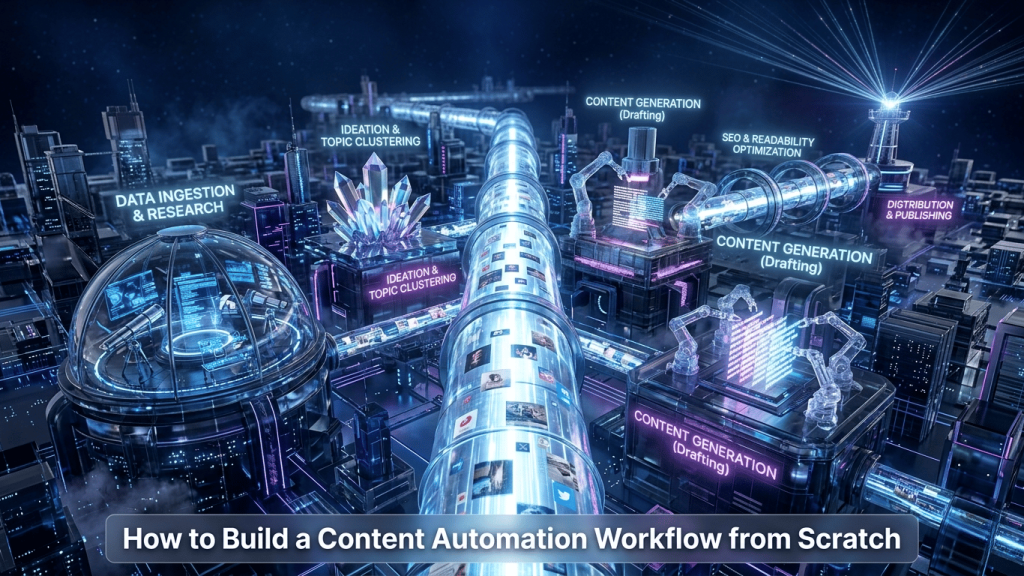

Generating one high-quality image is great; generating 500 a day for an e-commerce catalog or a blog network is a revolution. In 2026, automation via the GPT-Image 1.5 API allows businesses to transform creative workflows into high-efficiency digital factories.
1. From Data to Design: The E-commerce Workflow
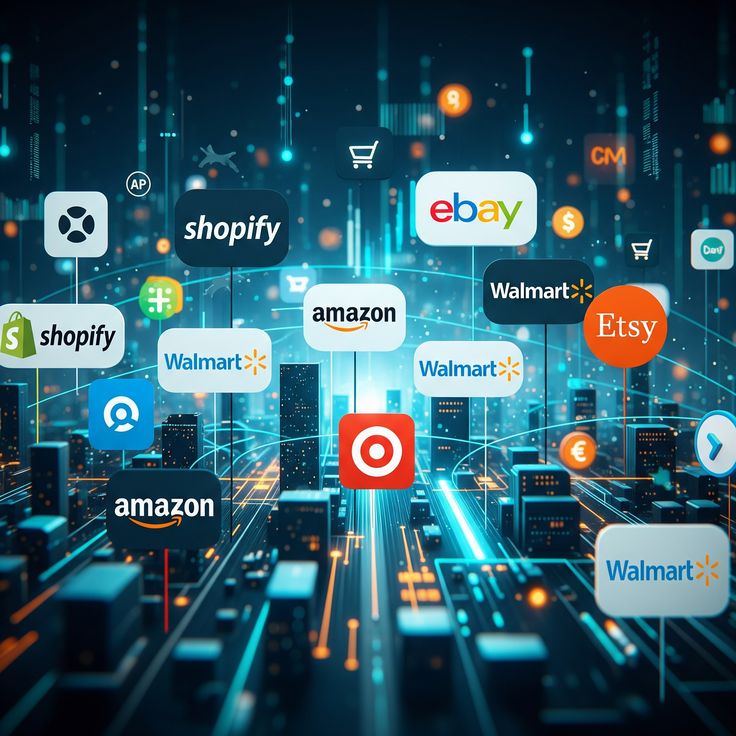
Imagine uploading a simple Excel file with your product descriptions. Through automation, GPT-Image 1.5 can:
- Read the product specs.
- Generate “lifestyle” scenes for the product.
- Automatically apply your brand’s color palette.
- Resize the image for Instagram, TikTok, and your website simultaneously.
2. Zapier and Make Integration
You don’t need to be a developer anymore. With new connectors, you can link GPT-Image 1.5 to your favorite tools:
- Trigger: A new article is published on WordPress.
- Action: GPT-Image 1.5 automatically generates a unique 1000×600 featured image based on the post title.
3. Batch Processing: Massive Time Savings
Automation enables batch processing. You can instruct the AI to take one concept and generate 10 different color variations or 5 different aspect ratios in a single command, ensuring total consistency for your ad campaigns.
🔗 Expand Your AI Expertise
If you want to get the most out of GPT-Image 1.5, don’t miss our other expert guides:
- The Big Picture: GPT-Image 1.5 vs Nano Banana Pro: The Full Comparison — Our main deep dive into the 2026 AI revolution.
- For Designers: How GPT-Image 1.5 Finally Solved the AI Text Problem — Learn how to combine automation with perfect typography.
- Step-by-Step: Mastering Inpainting & Selective Editing — The manual skills you need to refine your automated results.