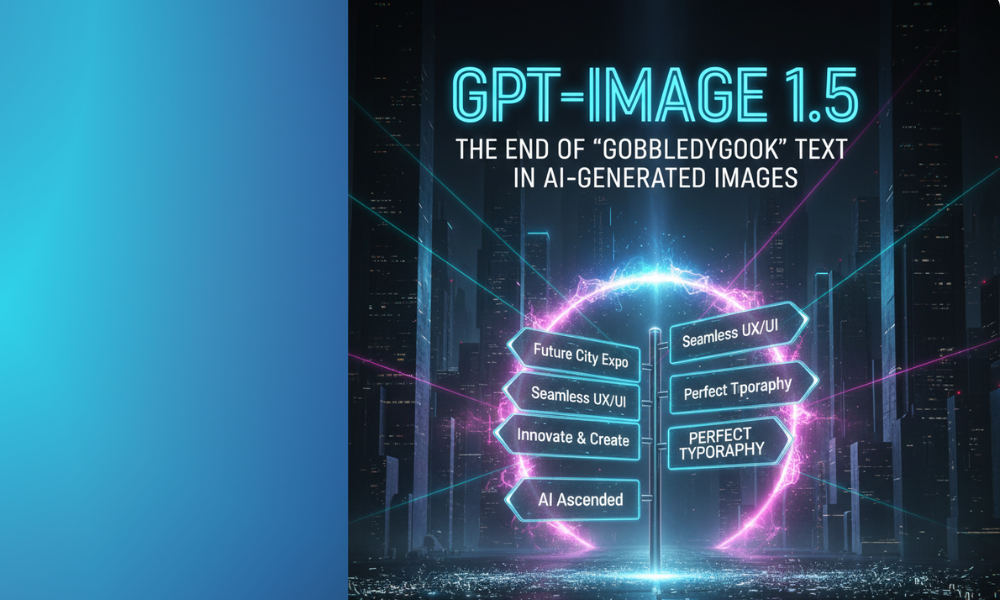
5 complete guide 2026 is one of the most important topics in AI and automation in 2026. For years, a running joke in the AI art community was the “gobbledygook text.” You’d generate a stunning image, only for any embedded text to appear as gibberish, an unreadable swirl of characters. This was a critical flaw, making AI unsuitable for branding, advertising, and professional design.
In 2026, GPT-Image 1.5 has finally silenced the critics. OpenAI’s latest update boasts a revolutionary capability: accurate and contextually aware text rendering directly within your generated images.
This is no longer just about generating beautiful visuals; it’s about generating communicative visuals.
The Problem: Why AI Struggled with Text
Previously, image models treated text as just another visual pattern. They understood shapes and colors, but not the semantic meaning or the typographic rules that make text legible. This led to:
- Garbled Characters: Letters would be swapped, distorted, or completely unreadable.
- Incorrect Spelling: Even if characters were somewhat legible, words were often misspelled.
- Poor Placement: Text would appear in awkward positions, cutting off elements or failing to integrate naturally.
- Lack of Context: The AI couldn’t grasp what the text was supposed to convey within the image’s narrative.
GPT-Image 1.5’s Solution: LLM Integration at a Deeper Level
The breakthrough in GPT-Image 1.5 comes from its profound integration with OpenAI’s most advanced Large Language Models (LLMs). The image generation process is no longer purely visual; it’s now informed by linguistic understanding.
- Semantic Awareness: The LLM component understands the requested text’s meaning and purpose before the image model renders it. This ensures correct spelling and relevant placement.
- Typographic Intelligence: The model has been trained on vast datasets of fonts, kerning, leading, and design principles. It now “knows” what good typography looks like.
- Contextual Blending: Text is no longer slapped onto the image. It becomes an intrinsic part of the design, respecting lighting, perspective, and other visual elements.
Use Cases Transformed by Clear Text
This capability unlocks a new era for professionals:
- Brand Logos & Packaging: Generate product mockups with perfectly rendered brand names and taglines.
- Advertising & Marketing: Create posters, banners, and social media graphics with clear calls-to-action or product headlines.
- Educational Content: Generate infographics or diagrams with precise labels and explanations.
- Gaming & UI Design: Produce in-game assets or UI elements with legible text for buttons, menus, and signs.
- Personalized Content: Imagine generating personalized greeting cards or invitations with custom text in seconds.
Example: From Gibberish to Gorgeous
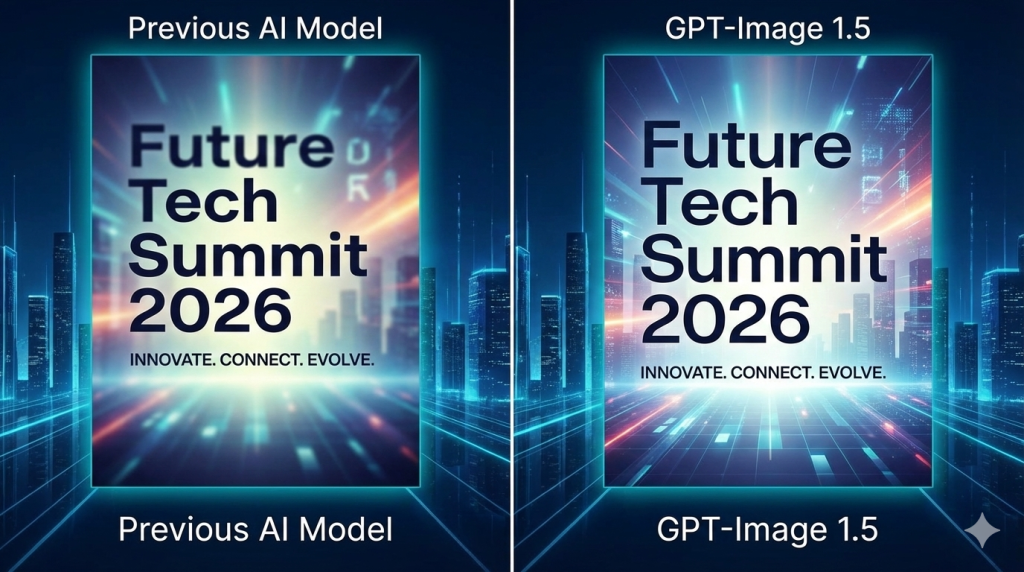
Conclusion: A New Baseline for Visual Communication
The days of avoiding AI for any task involving text are officially over. GPT-Image 1.5 sets a new baseline for what generative AI can achieve in visual communication. It transforms AI from a mere image generator into a comprehensive design assistant, capable of handling both stunning visuals and precise messaging.
This is not just an improvement; it’s a fundamental shift that empowers designers and marketers to leverage AI in ways previously impossible.
🔗 Read More on AIWiner:
- GPT-Image 1.5 vs Nano Banana Pro: The Full Comparison
- Tutorial: Mastering GPT-Image 1.5 Inpainting (With Visuals)
Scaling Content Creation with GPT-Image 1.5 Automation
Generating one high-quality image is great; generating 500 a day for an e-commerce catalog or a blog network is a revolution. In 2026, automation via the GPT-Image 1.5 API allows businesses to transform creative workflows into high-efficiency digital factories.
1. From Data to Design: The E-commerce Workflow
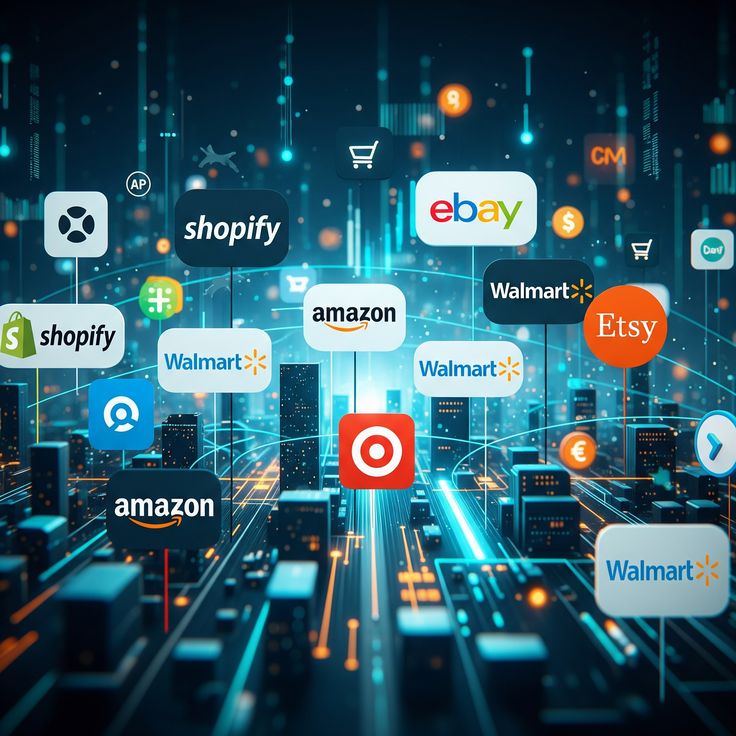
Imagine uploading a simple Excel file with your product descriptions. Through automation, GPT-Image 1.5 can:
- Read the product specs.
- Generate “lifestyle” scenes for the product.
- Automatically apply your brand’s color palette.
- Resize the image for Instagram, TikTok, and your website simultaneously.
2. Zapier and Make Integration
You don’t need to be a developer anymore. With new connectors, you can link GPT-Image 1.5 to your favorite tools:
- Trigger: A new article is published on WordPress.
- Action: GPT-Image 1.5 automatically generates a unique 1000×600 featured image based on the post title.
3. Batch Processing: Massive Time Savings
Automation enables batch processing. You can instruct the AI to take one concept and generate 10 different color variations or 5 different aspect ratios in a single command, ensuring total consistency for your ad campaigns.
🔗 Expand Your AI Expertise
If you want to get the most out of GPT-Image 1.5, don’t miss our other expert guides:
- The Big Picture: GPT-Image 1.5 vs Nano Banana Pro: The Full Comparison — Our main deep dive into the 2026 AI revolution.
- For Designers: How GPT-Image 1.5 Finally Solved the AI Text Problem — Learn how to combine automation with perfect typography.
- Step-by-Step: Mastering Inpainting & Selective Editing — The manual skills you need to refine your automated results.
Creating Perfect Logos with GPT-Image 1.5 Inpainting
One of the most impressive features of GPT-Image 1.5 is undoubtedly Inpainting (selective editing). Gone are the days when you had to restart an entire generation just because a small detail wasn’t right.
In this tutorial, we will show you exactly how to transform a basic logo concept into a professional visual identity in just three simple steps.
Step 1: Generate the Base Concept
Start by generating your base image. For this tutorial, we wanted a clean, minimalist look for a coffee brand.
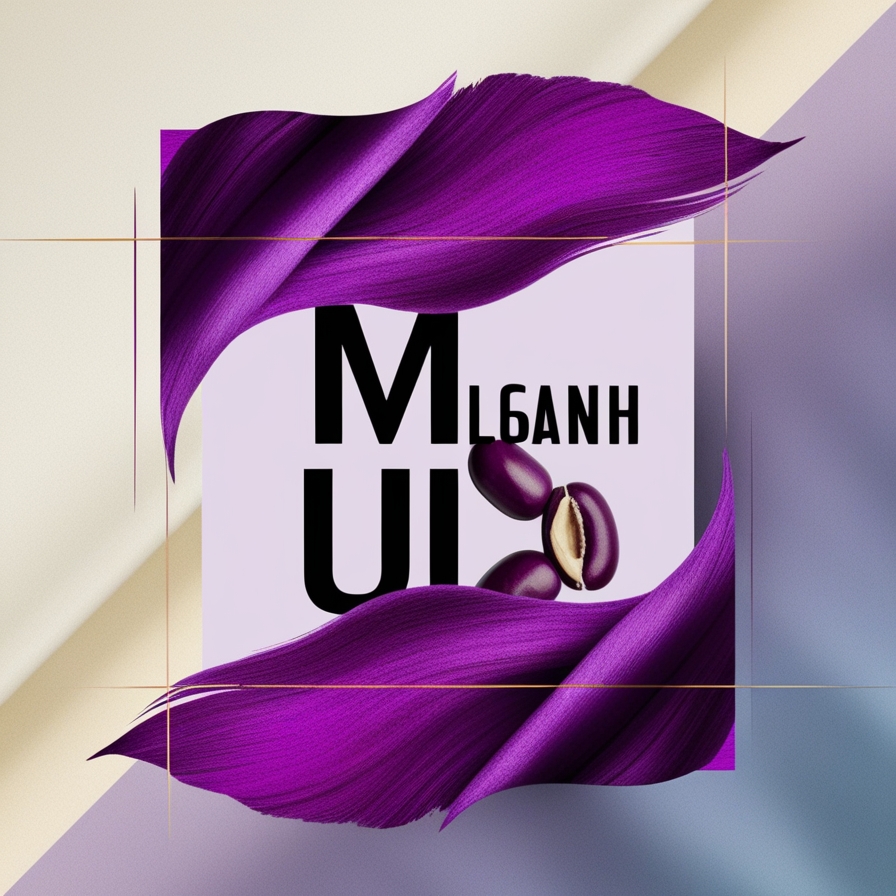
- Prompt used: “Minimalist logo for a coffee brand ‘Blue Bean’, blue coffee bean icon, white background, professional vector style.”
Step 2: Activate the Selection Tool (Inpainting)
Once the image is generated, click on it to expand it. Use the new brush icon (selection tool) to highlight the specific area you want to change.
In our example, we highlighted the text “Blue Bean” and the top of the bean icon. This tells the AI: “Keep everything else exactly as it is, only work inside this purple mask.”
Step 3: Prompt the Precise Change
Now, type your specific modification instruction in the chat bar. GPT-Image 1.5 is now smart enough to understand technical design terms.
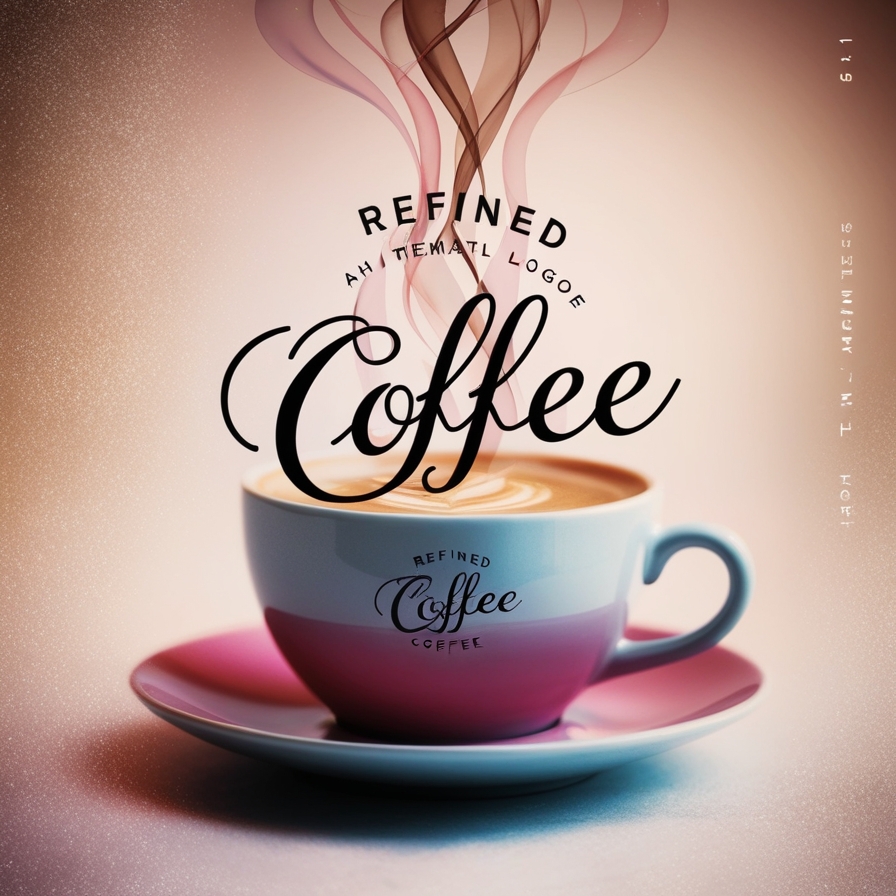
- Prompt used: “Change text to elegant cursive script and add three subtle steam lines rising from the bean.”
Why This is a Game Changer for Pros
Before this update, modifying a detail often meant changing the entire structure, color palette, or lighting of the image.
With GPT-Image 1.5, the AI “locks” the unselected pixels. This level of control allows you to:
- Iterate faster: No more generating 50 versions to get one right.
- Maintain Brand Consistency: Keep your icon identical while testing different fonts.
- Save Time: You can perform complex retouches in seconds that used to take 15 minutes in Photoshop.
Conclusion
GPT-Image 1.5 Inpainting turns AI from a “random generator” into a true professional assistant. You are no longer just a “prompter”; you are the Art Director.
🔗 Read More on AIWiner: * GPT-Image 1.5 vs Nano Banana Pro: The Full Comparison
Storyboarding 2.0: Plan Videos with GPT-Image 1.5
In the world of video production, the storyboard is the most critical phase—and often the most expensive. Until now, using AI for storyboards was frustrating because the style and characters would change with every new prompt.
In 2026, the release of GPT-Image 1.5 has officially solved the “consistency gap,” allowing creators to maintain a unified visual narrative from the first frame to the last.
1. Absolute Visual Consistency
The biggest breakthrough in GPT-Image 1.5 is the ability to lock a Reference Style. Whether you are planning a cinematic commercial or a 2D animation, the AI ensures that your characters, lighting, and environments stay identical across every shot.
- Pro Tip: Use the “Style Reference” feature to anchor your storyboard. If your first frame is a “Moody Noir Detective” style, every subsequent frame will follow that exact aesthetic automatically.
2. From Script to Visuals in Seconds
With the deep integration of ChatGPT, you can now generate entire storyboard sequences by simply pasting your script.
“Generate 4 storyboard panels for this scene: A detective enters a dark office, sits at his desk, and opens a glowing briefcase. Cinematic lighting, low-angle shots.”
GPT-Image 1.5 understands camera language (Low angle, Bird’s eye view, Close-up) and applies it accurately to your narrative.
3. Seamless Continuity Edits with Inpainting
Need to change a prop without re-generating the whole scene? GPT-Image 1.5’s Inpainting tool allows you to swap a phone for a walkie-talkie or change a character’s expression while keeping the background and lighting 100% consistent.
Storyboard Example: Cinematic Consistency
| Frame | Camera Angle | Action Description |
| 01 | Wide Shot | The protagonist stands in a futuristic neon city. |
| 02 | Close-up | Focus on the protagonist’s eyes reflecting the neon signs. |
| 03 | Low Angle | The protagonist looks up at a massive hovering drone. |
| 04 | Medium Shot | The protagonist starts running through a crowded alley. |
Conclusion: The New Standard for Pre-Production
GPT-Image 1.5 isn’t just an “art tool”—it’s a pre-production powerhouse. By reducing the time spent on manual sketching or fighting with inconsistent AI, filmmakers can focus on what truly matters: The Story.
🔗 Read More on AIWiner:
GPT-Image 1.5 vs Nano Banana Pro: Which Wins in 2026?
The generative AI landscape just felt a seismic shift. While Nano Banana Pro has been sitting comfortably at the top of the visual quality hierarchy, OpenAI has struck back with a massive update: GPT-Image 1.5.
Dubbed “The Beast” by early beta testers, this model isn’t just following the trend; it’s redefining creative workflow efficiency. At AIWiner, we’ve dissected this release to determine if you should upgrade your tech stack today.
I. The 5 Pillars of the GPT-Image 1.5 Revolution
1. Lightning Fast Speed (4x)
Time is money, especially in an agency setting. GPT-Image 1.5 generates images four times faster than previous versions. While Nano Banana Pro takes its time to “paint” every pixel for artistic perfection, GPT-Image 1.5 delivers professional results in mere seconds.
2. The “AI Surgeon”: Precision Inpainting
The real game-changer in this version is its selective editing feature. You can now tweak a specific area of an image without ruining the rest of the composition. This is a massive leap forward for ad design and complex photo retouching.
3. Clear Text Rendering
Typographical errors used to be the Achilles’ heel of AI models. GPT-Image 1.5 finally masters text rendering. Whether it’s logos, magazine covers, or posters, the text is sharp, legible, and correctly spelled on the first try.
4. Advanced Prompt Adherence
Thanks to deeper integration with next-gen LLMs, the model understands complex prompts and artistic nuances without needing endless lines of prompt engineering.
5. Seamless Workflow UI
Professional filters integrated directly within the ChatGPT interface make life easier for non-designers, allowing for cinematic, vintage, or 3D styles with a single click.
II. The Battle: GPT-Image 1.5 vs Nano Banana Pro vs Seedream
| Criteria | GPT-Image 1.5 | Nano Banana Pro | Seedream |
| Speed | ⭐⭐⭐⭐⭐ (Ultra Fast) | ⭐⭐⭐ | ⭐⭐ |
| Artistic Quality | ⭐⭐⭐⭐ | ⭐⭐⭐⭐⭐ (The King) | ⭐⭐⭐⭐⭐ (Fine Art) |
| Text Rendering | ⭐⭐⭐⭐⭐ | ⭐⭐⭐⭐ | ⭐⭐⭐ |
| Inpainting | ⭐⭐⭐⭐⭐ | ⭐⭐⭐ | ⭐⭐⭐ |
| Best For | High-volume / Marketing | Photorealism / Luxury | Concept Art / Cinema |
III. AIWiner Verdict: Which One Should You Choose?
Let’s be blunt: Nano Banana Pro keeps its crown when it comes to raw artistic depth and fine texture. If you are designing a luxury jewelry campaign or high-end cover art, Nano is still your best bet. Seedream, on the other hand, remains unrivaled for pure artistic expression.
However, GPT-Image 1.5 is the new King of Efficiency. For community managers, web developers, or content creators who need to ship 50 visuals a day, the debate is over. It is the ultimate tool for “perfect execution at scale.”
Conclusion
Will OpenAI’s update force Nano Banana Pro into early retirement? Probably not, but it forces the competition to level up. For us, the creators, it’s a total win: we finally have a tool that marries production speed with technical precision.
Will you ditch your Nano Banana subscription for the new GPT-Image 1.5? Let us know your thoughts in the comments!